
How to check a kids’ app’s privacy before you sign up
You do not need to read every word of a privacy notice to know whether an app is careful with your child. These eight checks take about ten minutes.
Published
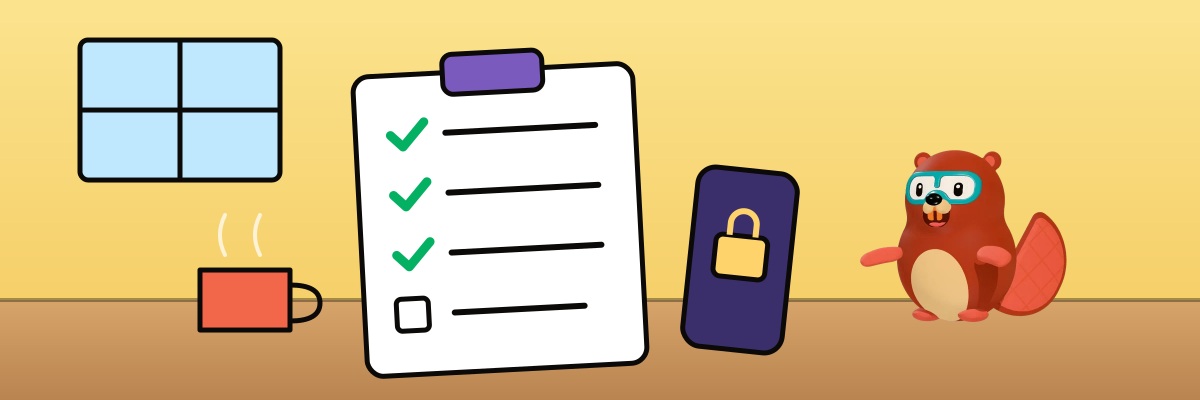
The checklist
Open the app’s website and its privacy notice side by side, and look for these:
- Who makes the account. In an app for young children, a parent should create it, not the child.
- Whether it checks you are a parent before it asks anything about your child.
- What it collects, and why. Each thing should have a reason: a first name for the story, an age for the reading level.
- Adverts and buy buttons. The part your child uses should have neither.
- AI training. The notice should say plainly whether your child’s words, photos or voice are used to train AI.
- Who else receives the information, and whether it is ever sold or used for advertising.
- Deleting. You should be able to see what is held and delete it yourself, without having to email and ask.
- An independent privacy seal that opens the program’s own website when you click it.
Where to find the answers quickly
Many apps made for children have a section of their privacy notice just for children, often called a children’s privacy notice or a COPPA notice. Start there: it is usually shorter, and it holds the parts that matter most for a child. Then look at the app’s own help or FAQ page, which tends to say the same things in plainer words.
If an answer is missing, ask. A careful company replies with a straight answer; a vague one, or none, is an answer too.
What a privacy seal adds
A seal from a COPPA Safe Harbor program means an independent reviewer, approved by the US Federal Trade Commission, has looked at how the app handles children’s information and checks again every year. Here is what a COPPA Safe Harbor seal means, and how to tell a real one from a picture.
If the app asks for a photo
Photos deserve their own questions: whether one is needed at all, whether it is printed or only drawn from, and who else sees it. Here is what to check before you upload your child’s photo.
How Bespoke Tales answers the checklist
Bespoke Tales makes personalized storybooks starring your child. A parent creates the account and is checked before anything about a child goes in. We ask only what a story needs, photos are optional and never used to train AI, nothing is sold or used for advertising, and one page in Settings shows everything we hold, with deletion at any time. Kid Mode has no ads and nothing to buy, and we are certified under iKeepSafe’s COPPA Safe Harbor program. Read our six privacy promises, or see what a book costs.